Digitising Incoming Invoices: A Step-by-Step Guide and Checklist
Veröffentlicht am 06.10.2026
Lesedauer: 8 min

Contents
- What is digital invoice intake?
- What are the benefits of digitising invoice intake?
- What should you consider before digitising invoice intake?
- How does digital invoice intake work?
- Which invoice formats are used in digital invoice intake?
- Checklist: Digitising your invoice intake
- Common mistakes when digitising invoice intake
- Digital invoice processing with free-com
- Frequently Asked Questions About Digitising Invoice Intake
Inhalt
- What is digital invoice intake?
- What are the benefits of digitising invoice intake?
- What should you consider before digitising invoice intake?
- How does digital invoice intake work?
- Which invoice formats are used in digital invoice intake?
- Checklist: Digitising your invoice intake
- Common mistakes when digitising invoice intake
- Digital invoice processing with free-com
- Frequently Asked Questions About Digitising Invoice Intake
Scanning paper invoices, entering data manually, requesting approvals by email: processing incoming invoices by hand is time-consuming and error-prone. The first step towards greater efficiency is a digital invoice intake process: invoices are captured centrally, read automatically and made available for further processing. Building on this, digital invoice processing covers all subsequent steps: verification, approval, posting and audit-proof archiving.
In this article, you’ll learn what to consider before introducing digital invoice intake and what companies should pay particular attention to during implementation.
What is digital invoice intake?
Digital invoice intake means that incoming invoices are captured digitally in one central place, read and made available for further processing, regardless of the channel through which they arrive. It makes no difference whether an invoice is sent by post, as a PDF by email or as a structured e-invoice.
Important: digital invoice intake is only the first step. It covers capturing the invoice and making it available. The subsequent digital invoice processing goes further: it includes verification, approval, posting and audit-proof archiving. Only together do the two areas form an end-to-end digital invoice process.
What are the benefits of digitising invoice intake?
In our day-to-day work at free-com, we often find that the biggest delays are caused not by the invoice itself but by forwarding, checking and approving it. Processes based on paper invoices in particular often lead to hold-ups, a lack of visibility and lengthy follow-up queries. A digital process helps to speed up these steps and makes the current processing status transparent at all times.
The key benefits include:
What should you consider before digitising invoice intake?
Before introducing a solution, it is worth taking the time to understand your existing process in detail.
Analyse your current invoice intake
How are incoming invoices currently received – by email, by post or via a portal? Who checks them, who approves them and who records them in the accounts? Where do delays or errors occur? These questions should be answered as precisely as possible before a new solution is introduced. The clearer the picture of the current situation, the more effectively the new solution can be configured.
Define your requirements
The following questions will help you choose the right software:
Check the legal requirements
Incoming invoices contain personal data and are subject to statutory retention requirements. The chosen solution must ensure GDPR-compliant processing and storage.
How does digital invoice intake work?
In practice, digital invoice intake – and the invoice processing that follows – can be broken down into four steps that build on one another.
Step 1: Capture incoming invoices, digitise them and extract the data
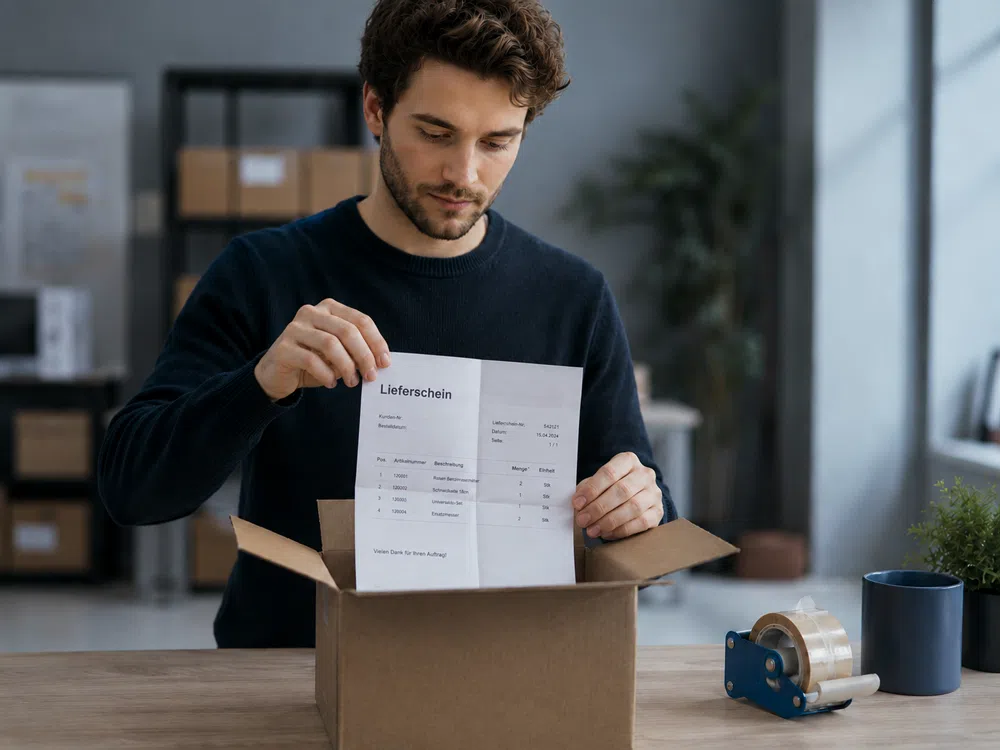
Invoices arrive through various channels: as paper invoices, as email attachments or in a structured data format. The first step is to bring all these channels together in one place.
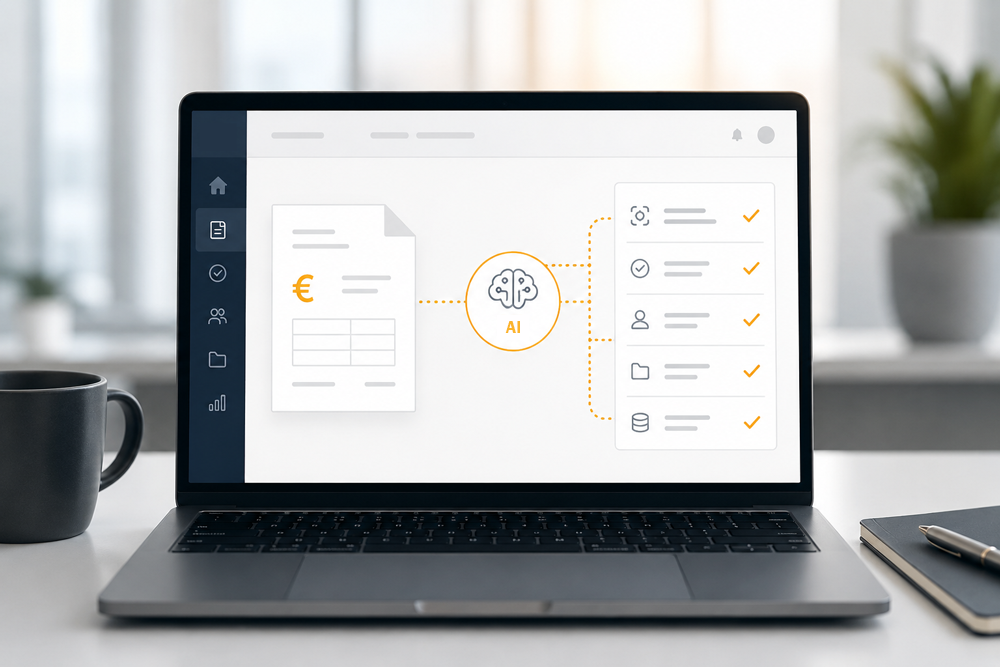
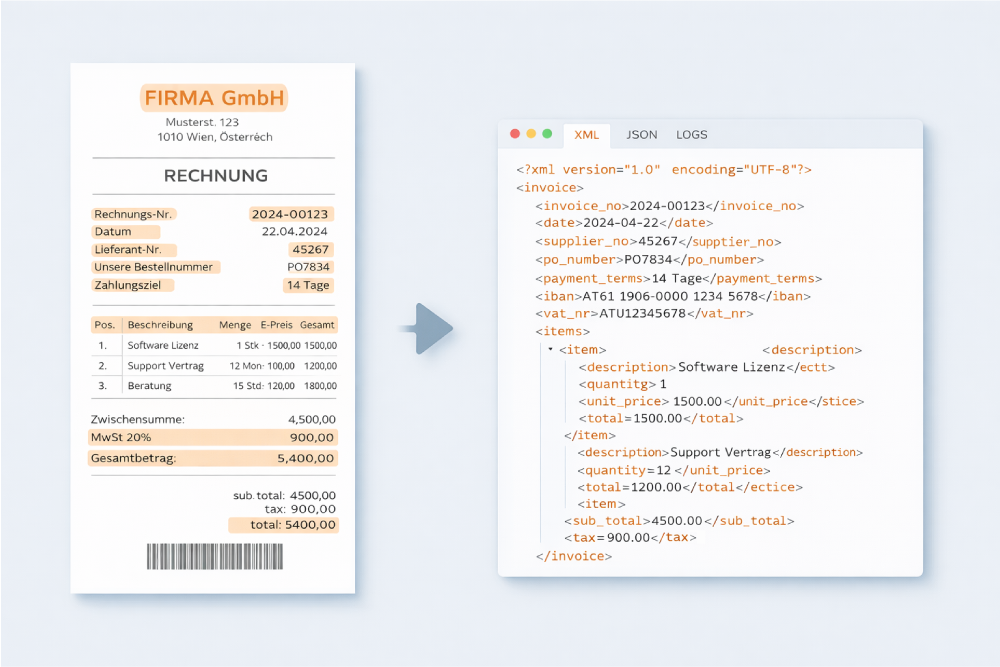
Paper invoices are scanned or photographed and then read using OCR (optical character recognition). Modern solutions use artificial intelligence to recognise all relevant fields automatically: invoice number, date, supplier, amounts and tax codes. This works across different layouts and invoice types without the system having to be trained on individual suppliers first.
Once an invoice has been captured, the software automatically checks whether all mandatory details are present, whether amounts and quantities match and whether there is a corresponding purchase order. Discrepancies are flagged and forwarded for manual review.
Step 2: Automate the approval process
After the formal check, the invoice is reviewed for content and approved by the people responsible. Instead of printing invoices and passing them on by hand, this step takes place digitally: the relevant people are notified automatically, approvals and queries are handled directly in the software, reminders prevent invoices from being left unattended, and the entire approval history is documented in full.
Important: this audit trail must be archived together with the invoice. In the event of a tax audit, you need to be able to prove who checked and approved an invoice and when.
To see what a digital approval process looks like in practice, visit our page on digital invoice processing. Our article on digital invoice approval also provides detailed insight into every step of the approval process.
Step 3: Post the invoice to your accounts
Once an invoice has been approved, the software suggests suitable general ledger accounts based on previous postings and automatically transfers the data to your ERP or accounting system via an integration. There is no need to re-enter any data manually.
Step 4: Ensure Audit-Proof Archiving
Incoming invoices must be archived in an audit-proof manner: unalterable, complete and retrievable at any time. Digital archiving systems ensure compliance with statutory retention periods and offer clear advantages over storing paper files. Documents can be found in seconds, access rights can be precisely controlled and there is no longer any need for dedicated archive rooms.
If you already use Microsoft SharePoint, the right add-on lets you use it directly as an audit-proof archive.

Which invoice formats are used in digital invoice intake?
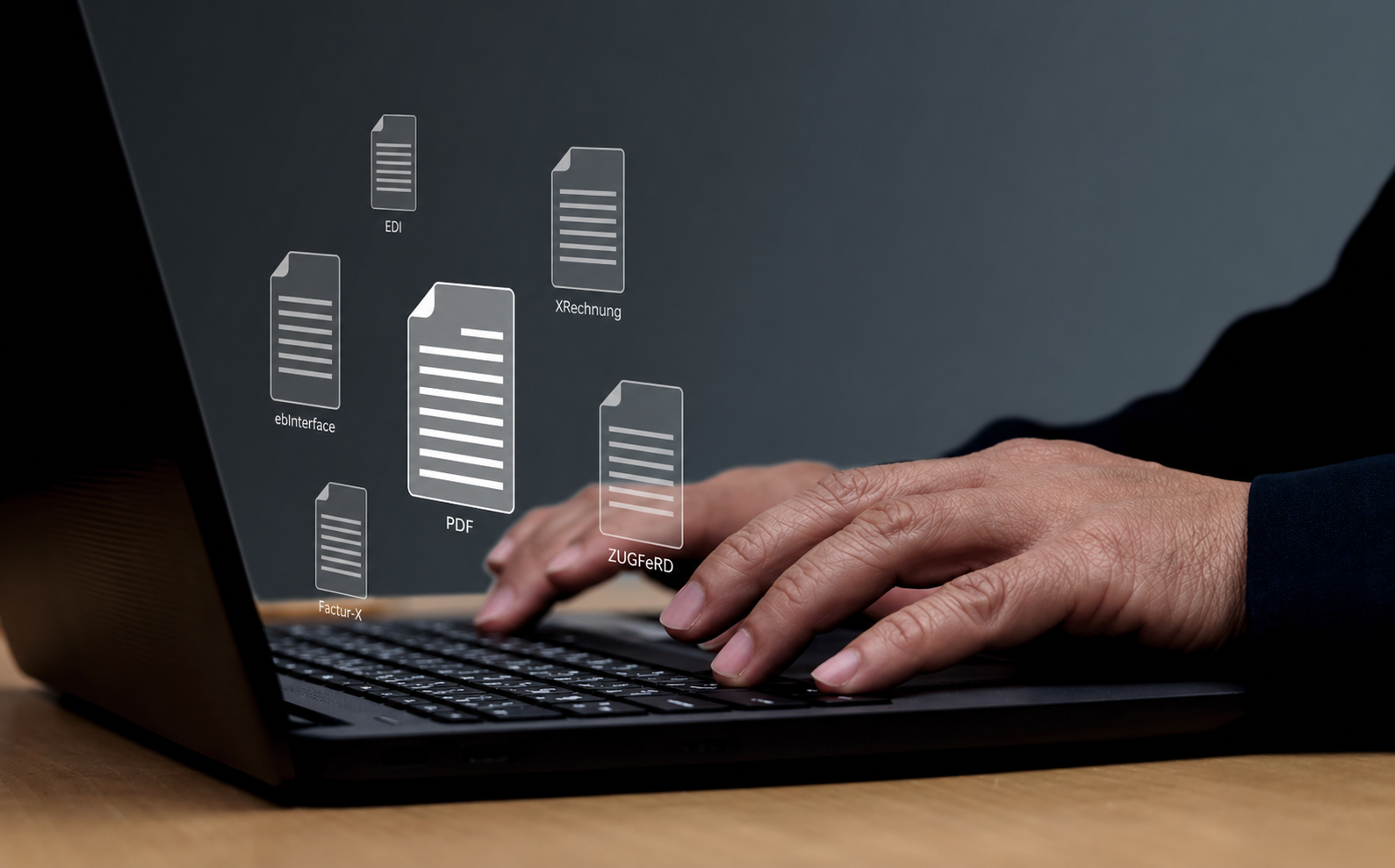
Alongside conventional PDF invoices, structured electronic formats are playing an increasingly important role:
E-invoices are becoming increasingly important in both Germany, following the introduction of mandatory e-invoicing, and Austria. As a result, formats such as XRechnung and ZUGFeRD are gaining in relevance.
Ideally, all common invoice formats should be processed through the same workflow.
Checklist: Digitising your invoice intake
This checklist will help you set up your digital invoice intake in a structured way or review your existing process.
Preparation
Capture and Verification
Common mistakes when digitising invoice intake
In practice, the same mistakes tend to come up again and again when companies switch to digital invoice intake:
The earlier these issues are addressed in the implementation project, the smoother the transition will be.
Digital invoice processing with free-com
free-com supports companies throughout the entire digital invoice process, from invoice intake to audit-proof archiving. The solution combines both areas: automated capture during invoice intake and the subsequent digital invoice processing, including verification, approval, posting and archiving.
Incoming invoices are automatically captured, checked and forwarded to the relevant people. Every processing step is documented and can be traced at any time.
Among other things, the solution helps companies with:
This reduces manual tasks and makes processes more efficient.
Existing systems such as SAP can also be connected. For example, invoices with and without a purchase order can be processed automatically and integrated into existing workflows.
Do You Have Any Questions For Us?
We will be happy to consult you during a short, non-binding online appointment!