Digitally Archiving Invoices: Deadlines, Formats, and Requirements
Veröffentlicht am 17.11.2026
Lesedauer: 5 min

Contents
- Which Retention Periods Apply to the Storage of Digital Invoices?
- Digitally Filing Invoices: Formats & Scan Rules
- Archiving Invoices in an Audit-Proof Manner: The Most Important Requirements in Practice
- Typical Mistakes When Digitally Filing Invoices
- Archiving Digital Invoices in an Audit-Proof Manner with SharePoint and AuditProof
- Frequently Asked Questions About Digital Invoice Archiving
Inhalt
- Which Retention Periods Apply to the Storage of Digital Invoices?
- Digitally Filing Invoices: Formats & Scan Rules
- Archiving Invoices in an Audit-Proof Manner: The Most Important Requirements in Practice
- Typical Mistakes When Digitally Filing Invoices
- Archiving Digital Invoices in an Audit-Proof Manner with SharePoint and AuditProof
- Frequently Asked Questions About Digital Invoice Archiving
Invoices are among the most common documents in digital filing, and also among the most prone to errors. There is often a world of difference between “saving something digitally somewhere” and legally compliant, audit-proof archiving.
This article shows what really matters when storing invoices digitally: which retention periods apply, which formats are permitted, which mistakes you should avoid, and what an audit-proof solution looks like in practice. We have summarized the general basics of digital archiving in our guide Digital Archiving: Everything You Need to Know.
Which Retention Periods Apply to the Storage of Digital Invoices?
In Austria, incoming and outgoing invoices must generally be retained for 7 years under the BAO; in Germany, the period has been 8 years since January 1, 2025. Exceptions with longer retention periods apply, for example, to invoices relating to real estate or to ongoing administrative proceedings.
| Invoice Type | Austria (BAO) | Germany (GoBD, AO) |
|---|---|---|
| Incoming Invoices | 7 Years | 8 Years (since 2025) |
| Outgoing Invoices | 7 Years | 8 Years (since 2025) |
| Invoices Relating to Real Estate | 22 Years | 8-10 Years (depending on the case) |
| Business Letters | 7 Years | 6 Years |
Digitally Filing Invoices: Formats & Scan Rules
Digital invoice filing is not a matter of taste. You should know which formats are permitted and under which conditions paper documents may be destroyed.
Permitted File Formats for the Electronic Archiving of Invoices
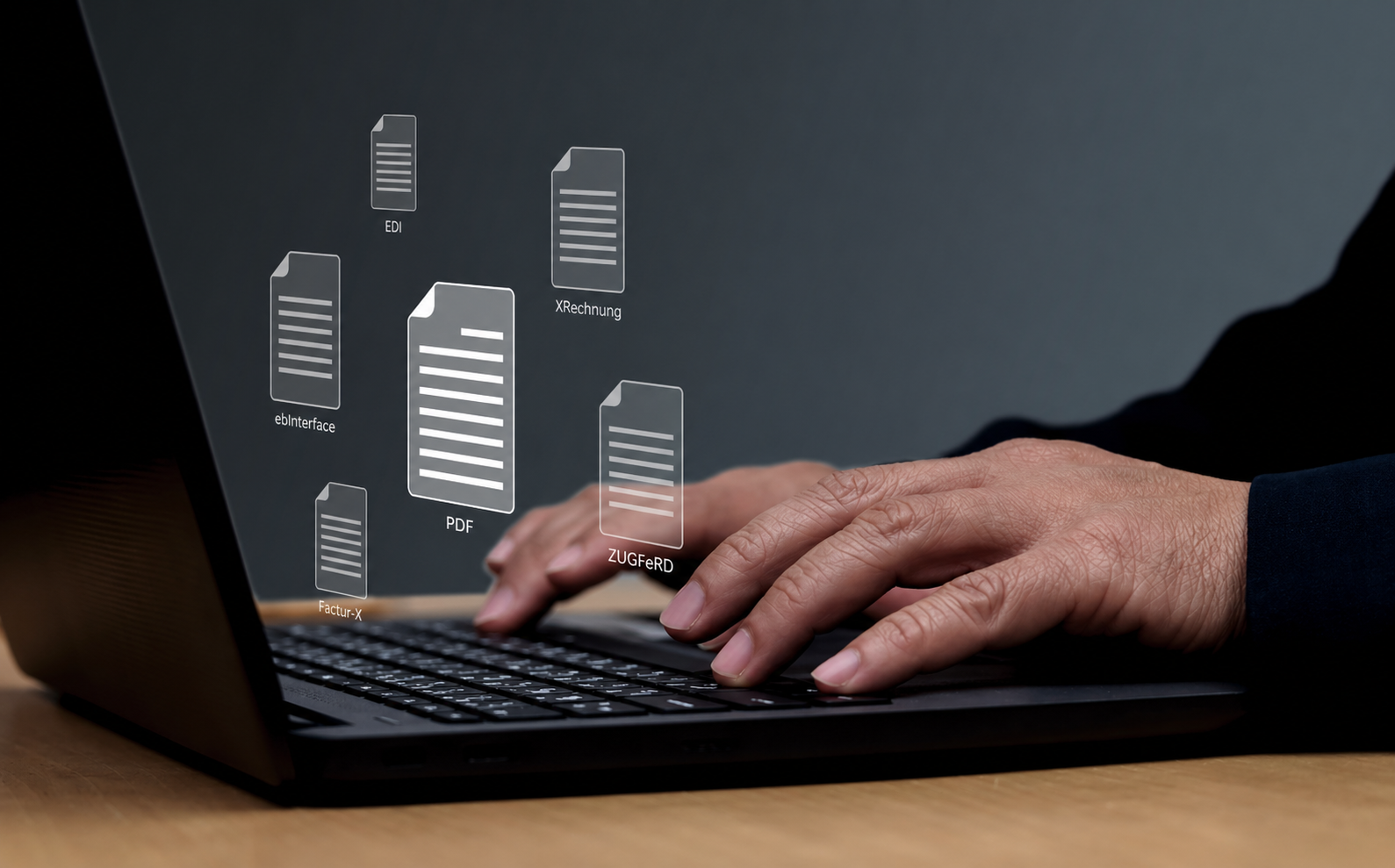
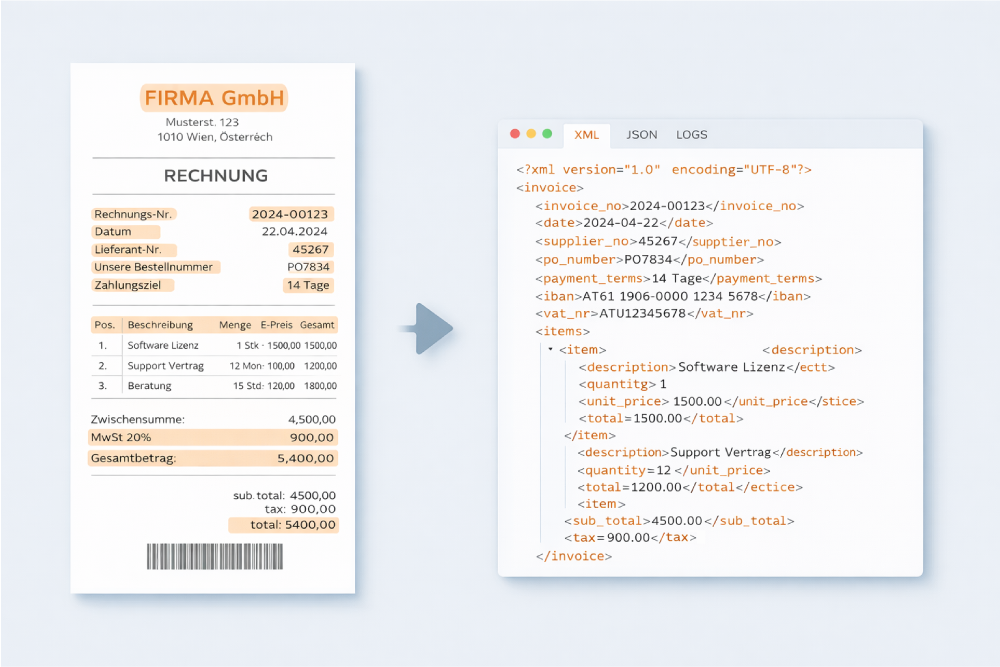
A common misunderstanding: sending a PDF by email is not considered an e-invoice in the legal sense. The EU standard defines an e-invoice as a structured, machine-readable format that can be processed automatically. This has direct consequences for archiving.
The following formats are relevant for audit-proof archiving:
- PDF/A for classic digital invoices and
structured e-invoice formats such as - XRechnung, ZUGFeRD or Peppol/UBL.
Anyone who receives an invoice in a structured format must archive it in its original format. Simply converting it into a PDF is not permitted.
Our guide Overview of E-Invoice Formats provides a complete overview of all relevant e-invoice formats in Germany and Austria.
Scanning Paper Invoices and Destroying the Original: What Is Allowed?
Paper invoices may be destroyed after scanning, but only under certain conditions:
- The scan result must be true to the original and complete (no cropped edges, readable stamps, correct colors for color-coded documents).
- The scanning process must be described in procedural documentation that makes the entire workflow traceable.
- The scanned document must be archived in an audit-proof manner, meaning it must be unalterable and retrievable at any time.
- In Germany, the GoBD requires a so-called transfer note, meaning a record of who scanned and checked what and when.
Certain original documents may not be destroyed even after a correct scan. Examples include notarized documents or records that are needed in their original form for civil-law claims. For invoices, this is usually not a problem, provided that the scan is complete and traceable.
Archiving Invoices in an Audit-Proof Manner: The Most Important Requirements in Practice
For invoices, audit-proof archiving specifically means:
- Unalterability: An archived invoice must no longer be technically changeable or deletable. A simple cloud folder does not meet this requirement.
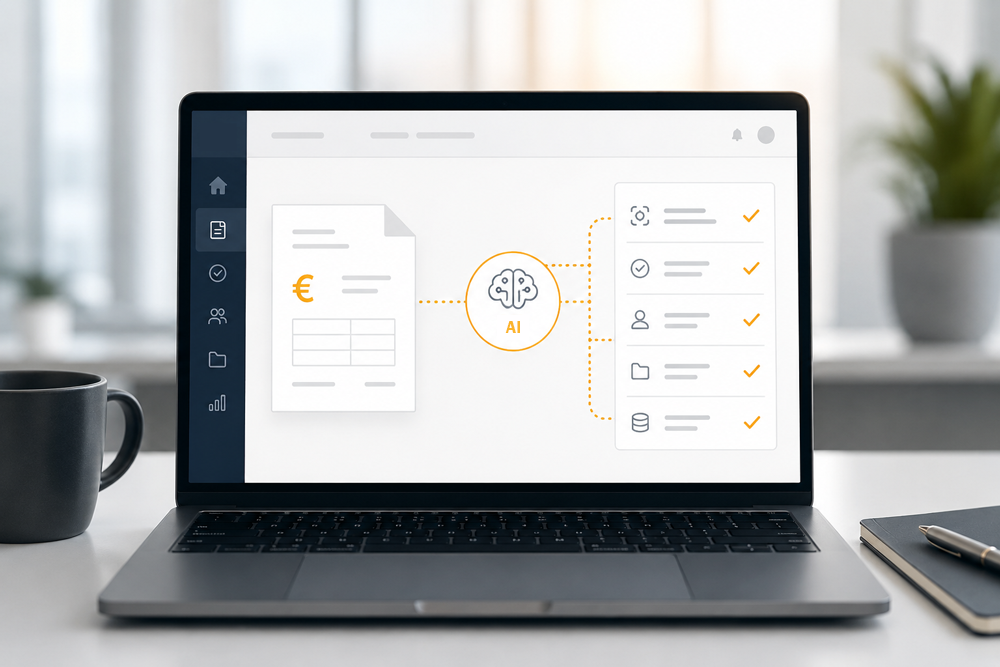
- Completeness: All incoming and outgoing invoices must be recorded without gaps. Automated document recognition prevents documents from being lost upon receipt.
- Traceability: During an audit, it must be possible to prove who approved an invoice and when. A documented digital approval workflow is the best approach here.
- Availability: Invoices must be retrievable at any time throughout the entire retention period. In Austria, there is also the requirement that documents must be presentable domestically. Cloud infrastructures with data storage in the EU are the safer choice here.
If these requirements are not met, tax audits may result in additional estimates or, in the worst case, rejection of the entire accounting system.
Typical Mistakes When Digitally Filing Invoices
At free-com, we see these mistakes time and again in practice:
- Missing or incorrect metadata: Without structured metadata (supplier, date, amount, document number), the invoice is stored, but practically unusable.
- Filing in systems that are not audit-proof: A shared OneDrive folder or an email inbox is not an archive. Documents can be changed, deleted or moved there.
- No searchable PDFs: Scanned invoices without OCR text recognition are invisible to search functions.
- Inconsistent filing logic: When different employees use different folder structures, gaps arise that can become expensive during an audit.
Archiving Digital Invoices in an Audit-Proof Manner with SharePoint and AuditProof
Many companies already use Microsoft 365 and SharePoint. But SharePoint alone does not meet the legal requirements for audit-proof archiving. The AuditProof add-on from free-com closes this gap: it turns SharePoint into a GoBD- and BAO-compliant eArchive that stores invoices and other documents in an unalterable way, logs access, and technically enforces defined retention periods. This works without additional hardware and can be integrated directly into the existing Microsoft 365 environment.
Find out more on our page about audit-proof archiving.
Do You Have Any Questions For Us?
We will be happy to consult you during a short, non-binding online appointment!